Master Online Business the Smart Way – Start Today!

How to Rank Higher on Google for Free for Beginners


Close-up of man in a blue shirt, with a loop in his right hand saying SEO inside the loop

If you’re a beginner and want to rank higher on Google without paying for ads, this guide is for you:

If you want to rank higher on Google, you first need to understand how Google actually works.

SEO is a system.
If you understand the system, you can rank higher.

Many business owners ask two questions:
How to get my business on the first page of Google for free?
Why is my website not showing up on Google search?

This guide breaks down how SEO actually works, how Google evaluates websites, and what you need to focus on to rank higher — so both questions make sense by the end, without ads, big budgets, or advanced skills.


The 8-Step Beginner friendly SEO checklist 2026

1. What Is SEO?

If you’ve ever wondered “why is my site invisible?” or looked for free ways to get on Google, you’ve already started your SEO journey.

At its core, SEO (Search Engine Optimization) is simply the process of making your business findable without paying for ads. It is a system for ranking on Google for free  by aligning your website with what your customers are actually searching for.

SEO takes time because it’s based on earning trust, not buying visibility. Most sites see early signals within weeks, real movement in a few months, and stronger results as the work compounds.


At its core, SEO is built on three things:

  • Content: Writing what people are actually searching for

  • Technical: Making sure your site loads fast and isn’t hidden from Google Search

  • Authority: Getting other websites to vouch for you through links


SEO includes several areas that work together:

  • On-page SEO (page structure and clarity)

  • Off-page SEO (links and authority)

  • Technical SEO (crawlability and performance)

  • Content SEO (search-driven content)

  • Local SEO (location-based visibility)


When these elements align, SEO allows you to rank higher on Google without ads and build traffic that grows over time.


Pros & Cons of SEO (Realistic Expectations)

Pros of SEOCons of SEO
Long-term, sustainable traffic
Content can perform for years after publishing
Takes time to see results
SEO works in months, not days
No cost per click
Traffic grows without increasing ad spend
Requires patience & consistency
Inconsistent effort rarely works
Builds authority and trust
Organic rankings increase credibility
No guaranteed timelines
Results depend on competition and execution
Grows exponentially over time
SEO traffic compounds as content ages
Quality beats effort
More content doesn’t help if it isn’t good
Works even when you’re not active
Traffic continues while you sleep
Compounding effect
One article can bring visitors for years
 

Keyword Overview

Simulated data for educational purposes

2. Keyword Research

Keyword research is the foundation of SEO.
If you choose the wrong keywords, nothing else matters.

Keywords are the actual phrases people type into Google Search.
They aren’t just words — they represent real problems, questions, and intent expressed in search.

Searches like Google can’t find my new blog or my site shows up for my name but not my business reveal a common issue: Google doesn’t yet understand what the site is about or who it should be shown to. Keyword research helps close that gap by aligning your content with real search behavior.


Keyword research is the process of identifying those phrases and understanding:

  • what people are trying to solve

  • how specific the search intent is

  • whether your site can realistically rank for them


Keywords should be used naturally in a few key places:

  • Headings (especially H1 and H2) to define the topic

  • Body text, where they fit naturally

  • Image alt text, to clearly describe images

  • Image file names, so images support the page topic


The goal isn’t repetition — it’s clarity. Overusing keywords hurts SEO.


How to Rank Higher on Google as a Beginner (Short & Clear)

If you’re a beginner, ranking higher on Google comes down to five core actions:

  1. Target long-tail keywords, not competitive ones (more specific search phrases)
  2. Match search intent perfectly
  3. Write less content, but better content
  4. Make your site technically clean and fast
  5. Track data and improve over time


You don’t need advanced tactics.
You need clarity, focus, and consistency.

How Google Actually Works

Google Search works in three connected stages: discovery, understanding, and ranking.
Understanding how these stages work is what makes SEO logical instead of confusing.

When people say “Google can’t find my website”, it usually means Google hasn’t properly discovered or understood the page yet. And if Google doesn’t clearly understand what your content is about or trust its quality, it won’t rank — no matter how good the design looks.

Once you understand how Google moves through these stages, SEO stops feeling random. You can see exactly what needs to be fixed, what needs to be improved, and what helps you rank higher on Google over time.


Crawling – How Google Finds Pages

Crawling simply means discovery.

Before Google can rank anything, it has to find the page first

Google’s crawlers don’t magically know your pages exist — they move by following paths.
Those paths are links.

Think of links as doors.
Every internal link opens a door that lets Google move to the next page. When pages are connected logically, you create a clear red line that guides Google’s crawlers through your site.


Google crawls the web by:

  • following internal links
    (links between pages on your own website)
  • following external links
    (links from other websites to yours)
  • reading XML sitemaps
    (a file that tells Google which pages exist on your site)


Google cannot crawl If a page:

  • has no internal links
  • has no external links
  • is buried deep in poor navigation


What this actually means (plain English)

If a page has no clear doors leading to it, Google never enters the room.
And a page Google never enters does not exist in search.

Internal linking should always make sense.
You’re not linking randomly — you’re guiding Google through related content, step by step, using context.

When your site has a clear structure and logical links, Google can crawl it faster, understand it better, and move naturally from one article to the next.


💡 Simple rule:
Every important page should have at least one relevant internal link pointing to it.


Indexing – What Google Stores

Indexing means whether Google decides to store your page in its database.

Once Google finds a page, it doesn’t automatically index it. First, it evaluates whether the page is worth saving and showing in search results.


Google looks at:

  • Originality – Is the content unique, or just repeating others?

  • Clarity – Is it easy to understand for a normal reader?

  • Usefulness – Does it actually answer the search query?

  • Readability – Is it structured, spaced, and easy to read?

  • Overall value – Does it add something meaningful?


This is a major reason people struggle to rank higher on search engines
If a page isn’t indexed, it won’t appear in search results at all. And there will be no traffic from search

Google also favors content that shows real experience and depth — such as personal insights, clear pros and cons, concrete facts, and supporting data. Pages that reference credible sources or link to relevant studies are often easier for Google to trust and store.

💡 Tip:
Pages that are too short, too generic, or copied in structure are often ignored during indexing. Depth, originality, and real-world value matter far more than keyword usage at this stage.


Ranking – How Google Chooses What to Show

Ranking only happens after a page is indexed.


When a user searches, Google:

  • looks through indexed pages
  • compares relevance
    (how closely the page matches the search)
  • evaluates quality signals
    (content depth, structure, clarity)
  • checks authority
    (trust signals like internal links and backlinks)
  • predicts user satisfaction
    (will the user feel helped?)


Google is not trying to rank the “best SEO page”.
It’s trying to rank the page most likely to satisfy the searcher.

That’s why ranking is also about behavior. To rank on search engines, Google pays attention to signals like:


Google looks at signals such as:

  • Time on page – Do users stay long enough to consume the content?
  • Scroll behavior – Do they scroll and engage, or leave immediately?
  • Pogo-sticking – Do users return to Google right away to click another result?
  • Interaction patterns – Do users click internal links or continue reading?
  • Wether people return


These signals help Google estimate user satisfaction.

If users land on your page, read it, scroll, and continue browsing, Google sees that as a positive outcome. If users leave quickly and go back to search, it’s a signal that the page didn’t meet expectations.


This is why ranking isn’t just about keywords. To rank higher your content must:

  • Answer the search intent clearly and early
  • Be easy to scan and read
  • Keep users engaged with logical flow and structure
  • Encourage natural next steps through relevant internal links


💡Tip:
If users stay on your page and don’t immediately go back to Google, that’s a strong signal your page did its job.

Search Intent
The “why” behind a search. Match intent → rank easier.
Informational
“what is SEO”
Navigational
“Semrush login”
Commercial
“best SEO tools”
Transactional
“buy SEO software”
Tip: If the top results are guides, write a guide. If they’re product pages, write a product page.

Search Intent (Most Important)

Search intent is the reason behind a search — not just the words someone types.

Google doesn’t rank keywords.
It ranks the page that best satisfies the intent behind the search.

That’s why SEO isn’t about stuffing or randomly inlacing keywords into content. It’s about understanding what the user is trying to achieve and structuring your page to answer that clearly.

When intent is matched correctly, your content gains search visibility, attracts the right visitors, and builds organic traffic over time — not just clicks, but users who actually find what they’re looking for.


The Four Types of Search Intent

  • Informational – learning (e.g. when does SEO start working)
  • Commercial – comparing (e.g. best SEO tools for beginners)
  • Transactional – acting/buying (e.g. SEO services for small business)
  • Navigational – finding a site (e.g. Google Search Console login)


Why Intent Controls Rankings (Quality & Expertise)

To rank long-term, a page needs more than the right intent — it needs authority and content quality.

Authority is about trust.
It’s built through consistent topical coverage, logical internal linking, and external signals like backlinks. Authority helps Google understand which pages matter and which topics your site should be trusted on.

Content quality is about usefulness and depth.
High-quality content is clear, original, and genuinely helpful — written for humans first, not algorithms.


Google Search evaluates content by asking:

  • Does the content fully answer the question?

  • Is it written in original language?

  • Does it show real understanding?

  • Does it feel trustworthy?


Pages that rank long-term:

  • Are written in your own words

  • Explain why, not just what

  • Cover follow-up questions naturally


This combination of authority and content quality is how Google identifies real expertise — and why some pages stay visible long after others disappear.


Your page must match why people are searching — not just the words they type.

That’s why related searches matter. For a page titled
“How to rank higher on Google for free for beginners”, a relevant related search could be:
“Is it free to put your website on Google?”

It shares the same informational intent, which helps Google understand the full context of your page.


Core vs secondary keywords (simple)

Each page should focus on:

  • 1 main core keyword

  • 1–5 supporting core keywords with the same intent

  • ~10 secondary keywords to support the topic naturally

Intent matters more than wording.


Example:

  • “What are keywords used for?” → informational intent

  • “How can I discover keywords?” → action-based intent


These shouldn’t compete on the same page unless one clearly supports the other.

Secondary keywords like google ranking and organic traffic help confirm relevance without repetition.

When intent is clear and keywords are aligned, your page gains search visibility and attracts organic traffic over time.


Long-Tail Keywords

Long-tail keywords are simply longer, more specific search phrases.

Instead of broad searches like SEO or marketing, people search in full questions or problems, such as:

  • how long does it take to get traffic
  • rank on Google without ads
  • market your business without money
  • when does SEO start working


These searches may have lower volume, but they are far more valuable.


What “Lower Competition” Actually Means

When a keyword has lower competition, it means:

  • Fewer big companies are targeting it
  • Fewer high-authority websites are ranking for it
  • Google has fewer strong options to choose from


This gives smaller websites a real chance to appear on page one.


💡Tip:
One well-written article targeting a single long-tail keyword often performs better than several short posts targeting broad terms. Start narrow, win trust, then expand.

Most advanced From ~$139.95 / mo
Mid → advanced €27–€119 / mo
Least advanced From ~$29.90 / mo

Keyword Research Tools

Keyword tools reduce guesswork.
They don’t give answers — they give signals.

Tools like Semrush, Ahrefs, and Mangools are used for keyword research, backlink analysis, competitor insights, and other SEO tools. They help you understand what could help you improve search visibility, and attract more organic traffic.

Google Search Console shows what’s actually happening — real impressions, clicks, search queries, indexing status, and technical issues directly from Google. This is where you see whether your SEO efforts are truly increasing organic traffic and visibility.

The tools provide data.
Your job is to interpret the signals, connect them, and turn them into action.


Google Search Console

Real data from Google about your own website

InsightWhat it means
Queries you appear forSearches where Google already shows your site
Impressions vs clicksHow often you’re shown vs how often people click
Pages close to rankingPositions 8–20 are usually easiest to improve

What This Really Means

Google Search Console shows what Google already understands about your site.
This is not estimated data — it’s real.


💡 Tip (Fast wins):

If a page has impressions but few clicks, the issue is often:

  • Weak title

  • Unclear meta description

  • Wrong search intent


Small changes here can bring traffic quickly.


Google Keyword Planner

PurposeWhy it matters
Validate demandCheck if people search for this at all
Discover variationsSee different ways users phrase the same problem
Understand phrasingLearn how real users write searches

Important to Know

Google Keyword Planner is best for idea validation, not precision.

Ignore exact numbers.
They are ranges and often inaccurate.


Focus instead on:

  • Does the keyword exist?

  • How Google groups related searches

  • Which phrasing sounds most natural

💡 Tip:
If Google shows many similar variations, write one strong article, not many weak ones.


SEMrush

BenefitWhy it matters
Evaluate keyword difficultyUnderstand how hard ranking really is
Analyze competitorsSee what ranks and why
Find content gapsTopics others rank for that you don’t
Avoid impossible keywordsSave months of wasted effort

SEMrush is not about copying competitors.
It’s about choosing smarter battles.


SEMrush — Pros & Cons

✅ Pros❌ Cons
Best tool for understanding competitionPaid tool
Excellent for long-tail keywordsData is estimated
Helps beginners avoid bad keywordsCan feel overwhelming
All-in-one SEO platform

Block of paper written On-page SEO with red text on top

3. On-Page SEO

On-page SEO is everything on your website that helps Google understand what your page is about and decide whether it deserves to rank.

When done correctly, on-page SEO helps you rank higher, increase search visibility, and improve website visibility by optimizing what you already control — your content and structure.


Think of on-page SEO as how clearly you communicate with:


Google — through page structure, headings, internal links, keywords, and on-page signals

Users — through readability, usefulness, clarity, and how well the content answers their intent

Strong on-page SEO aligns both. When your content is easy for users to understand and easy for Google to interpret, you create a foundation for sustainable organic traffic without relying on ads.


Titles

  • 50–60 characters
    (this is the space Google usually shows in search results)
  • clear, not clever
    (tell users exactly what the page is about)
  • one main idea
    (don’t try to rank for multiple topics in one title)


What this really means:
Your title tells Google and users what problem the page solves.


💡Tip:
If someone can’t understand what your page offers just by reading the title, Google probably can’t either.


Meta Descriptions

  • 140–160 characters
    (the short text under your title in Google)
  • explain the benefit
    (why should someone click your page?)
  • increase click-through rate
    (how often people click your result)


Meta descriptions don’t directly affect rankings — but they strongly influence whether users click your result.

Think of the meta description as your ad copy in organic search. It’s the message that appears under your title and convinces someone that your page is the best answer.

While Google doesn’t use meta descriptions as a ranking factor, it does observe user behavior. Pages that earn higher click-through rates often gain stronger engagement signals over time.


A strong meta description:

  • Clearly matches search intent

  • Expands on the promise made in the title

  • Uses natural language (not keyword stuffing)

  • Sets accurate expectations for the content


Better descriptions lead to more clicks.
More clicks lead to stronger behavioral signals.
Over time, this can improve visibility — even without changing your content.


💡Tip:
Write meta descriptions like a short answer to the searcher’s question, not like an ad.


Headings (H1–H3)

  • H1 Main Heading
  • H2 Chapters
  • H3 Subheadings


Important H1–H3 help Google understand the purpose and structure of your content. You can always change the visual size, as long as the heading hierarchy stays semantically correct.


Good headings:

  • describe the section clearly
    (so users instantly know what it’s about)
  • improve readability
    (people scan before they read)
  • guide users and Google
    (headings act like a content map)


Structure = clarity.

Headings like H1–H3 are not about design — they are code language that helps Google understand the purpose and structure of your content.

Google uses headings to understand:

  • what topics you cover
  • how sections relate
  • what’s most important


Example:

<h1>On-Page SEO Explained</h1>
<h2>How On-Page SEO Improves Search Visibility</h2>
<h3>Titles, Headings, and Internal Links</h3>


💡Tip:
If you removed all styling and only read the headings, the article should still make sense.


Image Optimization & Alt Text

Images do more than support content — they also help search engines understand context. When placed near relevant headings and text, they reinforce topical relevance.

Image optimization also affects crawl efficiency. Faster pages are easier for search engines to process and revisit.

Alt text has multiple roles: accessibility, context for search engines, and a fallback description if an image fails to load.

You can include core keywords in alt text when they naturally describe the image. Accuracy comes first — forced keywords add no value.

Well-optimized images improve user experience and topical clarity, both of which Google values over time.


Images affect:

  • speed
    (large images slow down your site)
  • accessibility
    (screen readers rely on alt text)
  • relevance
    (images support the topic)


Best practices:

  • compress images
  • descriptive filenames
    (e.g. on-page-seo-example.jpg instead of img123.jpg)
  • meaningful alt text
    (describe what’s actually in the image)


Alt text should describe the image — not repeat keywords.


💡Tip:
If you closed your eyes, alt text should help you understand what the image shows.


Internal Linking

Internal linking improves both user experience and SEO. Ever thought to yourself “How to connect my pages so people stay longer?” Well-placed internal links guide readers to the next relevant idea, creating a natural flow instead of forcing them to search or leave.

For search engines, internal links help Google understand which pages matter most. Pages linked from strong content often gain higher priority.

When links feel like the obvious next step, users explore more, engagement increases, and your site becomes clearer — for both people and search engines.


Internal links:

  • help Google crawl
    (they guide Google to your pages)
  • distribute authority
    (strong pages help weaker ones)
  • build topical relevance
    (Google understands what your site is about)


One strong article can lift an entire site.


What this really means:
Internal links turn your website into a connected system, not isolated pages.


💡Tip:

Every important page should have:

  • at least one link pointing to it
  • links pointing out to related content

This tells Google your content belongs together.

On-Page vs Off-Page - SEO

On-page SEO is what you control on your website. Off-page SEO is how the rest of the internet sees your website.

On-Page SEO

  • Content quality
  • Titles & meta descriptions
  • Headings (H1–H3)
  • Internal links
  • Page speed & mobile
You have full control

Off-Page SEO

  • Backlinks
  • Brand mentions
  • Guest posts
  • Reviews
  • Digital PR
You influence, not control
Simple rule: Fix on-page SEO first. Build off-page SEO second.

4. Off-Page SEO

Off-page SEO is everything that happens outside your website that helps Google decide whether your site is trustworthy.

Think of off-page SEO as your site’s reputation on the internet. It’s built through signals like backlinks, brand mentions, and references from other websites that show your content is valued beyond your own pages.

Google asks one main question:

“Do other people and websites trust this source?”


Authority & Trust

Trust and authority in your website are built when other credible sites link to you, mention your brand, and reinforce website credibility through consistent trust signals that strengthen domain authority over time

Google trusts sites that consistently show:


  • consistency
    (publishing regularly, staying on topic)
  • user satisfaction
    (people stay, read, and don’t bounce back to search)
  • brand signals
    (mentions, links, recognition across the web)


Authority is not claimed — it’s earned over time through reliable behavior.


What this really means:
You don’t convince Google with words.
You convince Google with patterns.


💡Tip:
One strong, helpful page that people actually use builds more trust than many average pages.


Backlinks (External Trust Signals)

Backlinks are links from other websites to yours.

Google treats backlinks as votes of confidence. The more trustworthy and relevant the site linking to you, the stronger the trust signals it sends. This directly affects website credibility, authority, and long-term domain authority.

Not all backlinks are equal.
A single link from a respected, relevant source can be worth more than dozens of low-quality links.


How to get backlinks?


The most reliable way is to become the best source on a specific topic. This often means finding questions that haven’t been answered well yet — or topics that are buried inside cluttered, unfocused articles — and explaining them more clearly, simply, or completely. When your page genuinely improves understanding, other sites naturally reference it as a resource.

Strong backlinks are earned by clarity, usefulness, and trust — not by shortcuts.


💡Tip:
A backlink is strongest when it’s placed inside helpful content — not in footers, sidebars, or spammy lists.

  • Create one article specifically to earn backlinks by choosing an underexplored topic and becoming the best source on it. Example: instead of writing “What is SEO,” write “How long it actually takes for a new website to get traffic (with timelines and data).”

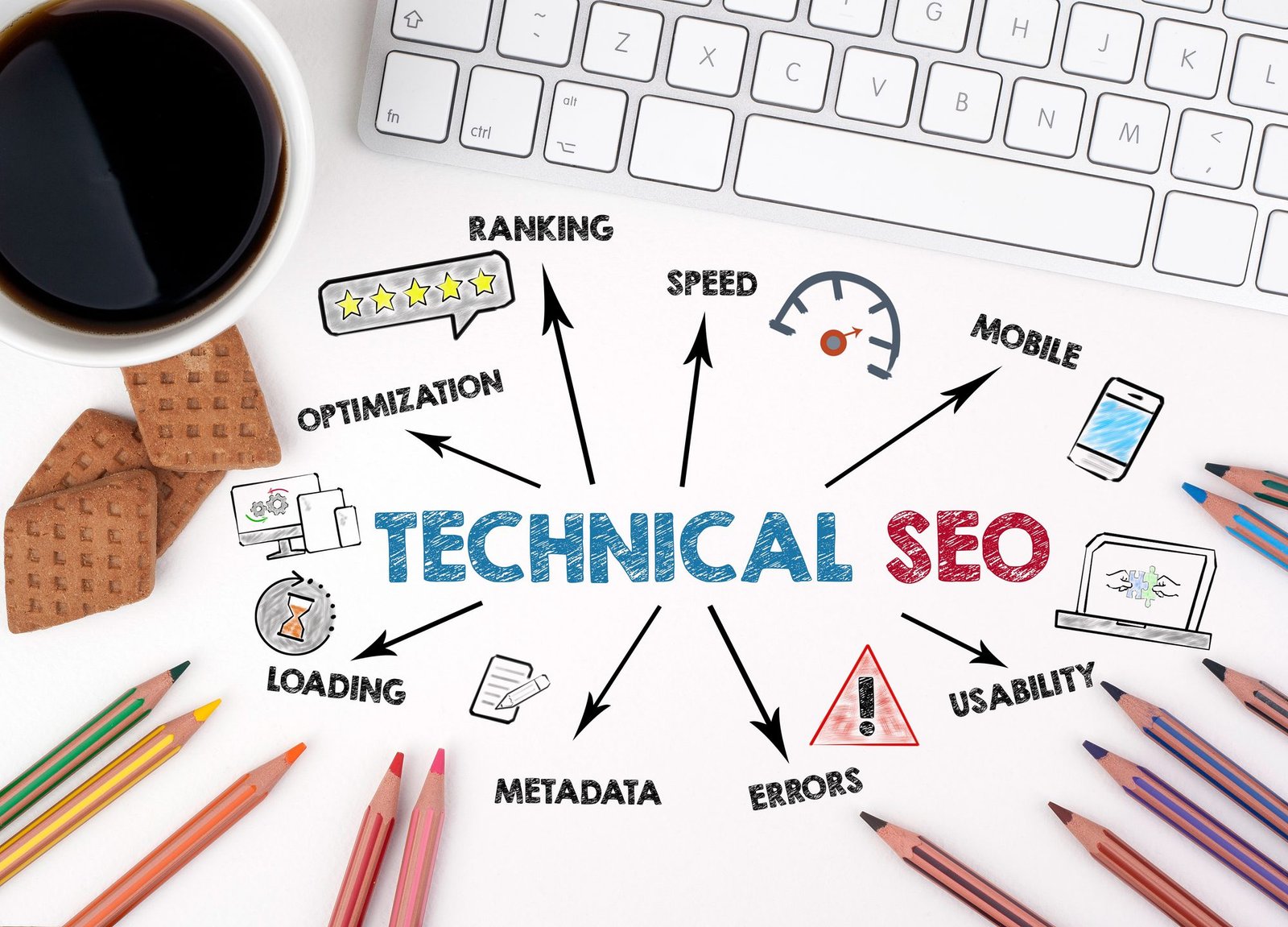
5. Technical SEO

Technical SEO ensures Google can access, understand, and trust your website.

If technical SEO is broken, even great content can struggle — because Google can’t reliably read or evaluate your site.

Think of technical SEO as the foundation everything else sits on.


Website Speed & Performance

Google measures:

  • load time
    (how fast your page appears)
  • interaction speed
    (how quickly users can click or scroll)
  • visual stability
    (whether the page jumps around while loading)


Slow websites lose rankings because:

  • users leave faster
  • engagement drops
  • satisfaction signals decline


What this really means:
If your site feels slow or frustrating, Google notices.


💡Tip:
Large images are one of the most common speed killers. Compress images before uploading — it’s one of the easiest technical wins.


Mobile Optimization

Google uses mobile-first indexing.

This means:

  • Google primarily evaluates the mobile version of your site
  • desktop design is secondary


Poor mobile experience = lower rankings.


Examples of poor mobile experience:

  • text too small
  • buttons too close together
  • slow loading on mobile networks


💡Tip:
Always review your pages on your phone, not just your computer. If it’s annoying to use, it’s a ranking risk.


Site Structure & URLs

Good structure means:

  • logical navigation
    (pages are easy to find)
  • clean URLs
    (simple, readable web addresses)
  • clear hierarchy
    (Google understands what’s important)


Make it easy for Google to understand


💡Tip:
If a page is more than 3–4 clicks away from your homepage, Google may see it as less important.


Security & Indexing

Google prefers websites that are:

  • HTTPS
    (secure connection)
  • using valid sitemaps
    (clear list of pages for Google)
  • free of broken links
    (no dead ends)


Technical trust matters because Google doesn’t want to send users to:

  • insecure sites
  • broken pages
  • unreliable experiences


💡Tip:
Check Google Search Console regularly — it will tell you directly if Google has technical problems with your site.

6. Content SEO

Content SEO is about how good your content actually is — not how much you publish.

Google’s goal is simple:
Show users the page that helps them the most.


Content Quality (Why Google Rewards Depth)

Content quality is measured by how well your page holds attention from start to finish.
To increase time on page, scroll depth, and engagement, your content must guide the reader — not just inform them.

That means answering the core question clearly, structuring the page so it’s easy to keep reading, and naturally leading users to the next section or related topic.

When readers stay, scroll, and continue, Google sees depth and rewards the page with stronger rankings.


💡Tip:

If users don’t need to go back to Google after reading your article, that’s a strong quality signal.


Why Less Content Beats More Content

Less content doesn’t automatically beat more content — quality does.

Google does reward active websites, but activity alone isn’t enough. If you publish too often without enough depth, quality drops, and that weakens your SEO. Fewer, well-written pieces that fully answer a question create stronger engagement, clearer relevance, and better long-term rankings.

That’s why working effectively matters. Content quality dips when you overwork, rush, or skip breaks. Focused sessions produce better structure, better clarity, and better results — and that’s what Google ultimately rewards.


💡Tip:

One well-maintained article updated over time is more powerful than many outdated ones.


Original Content & Expertise

Google values content that feels:


  • written by a real person
  • based on understanding
  • helpful, not generic


To build authority:

  • write in your own words
  • explain why things work, not just what to do
  • answer the question fully, including common follow-ups


This is how Google identifies expertise — not through titles or credentials.


💡Tip:
If your article explains something better than competitors, you don’t need more backlinks to compete.


Content Strategy (How SEO Compounds)

A strong content strategy includes:

  • one main topic
    (pillar content)
  • supporting articles
    (related subtopics)
  • internal linking
    (connecting everything logically)
  • continuous improvement
    (updating what already works)


SEO is a system — not a single post.

Over time, this approach builds:

  • topical authority
  • trust
  • stable traffic

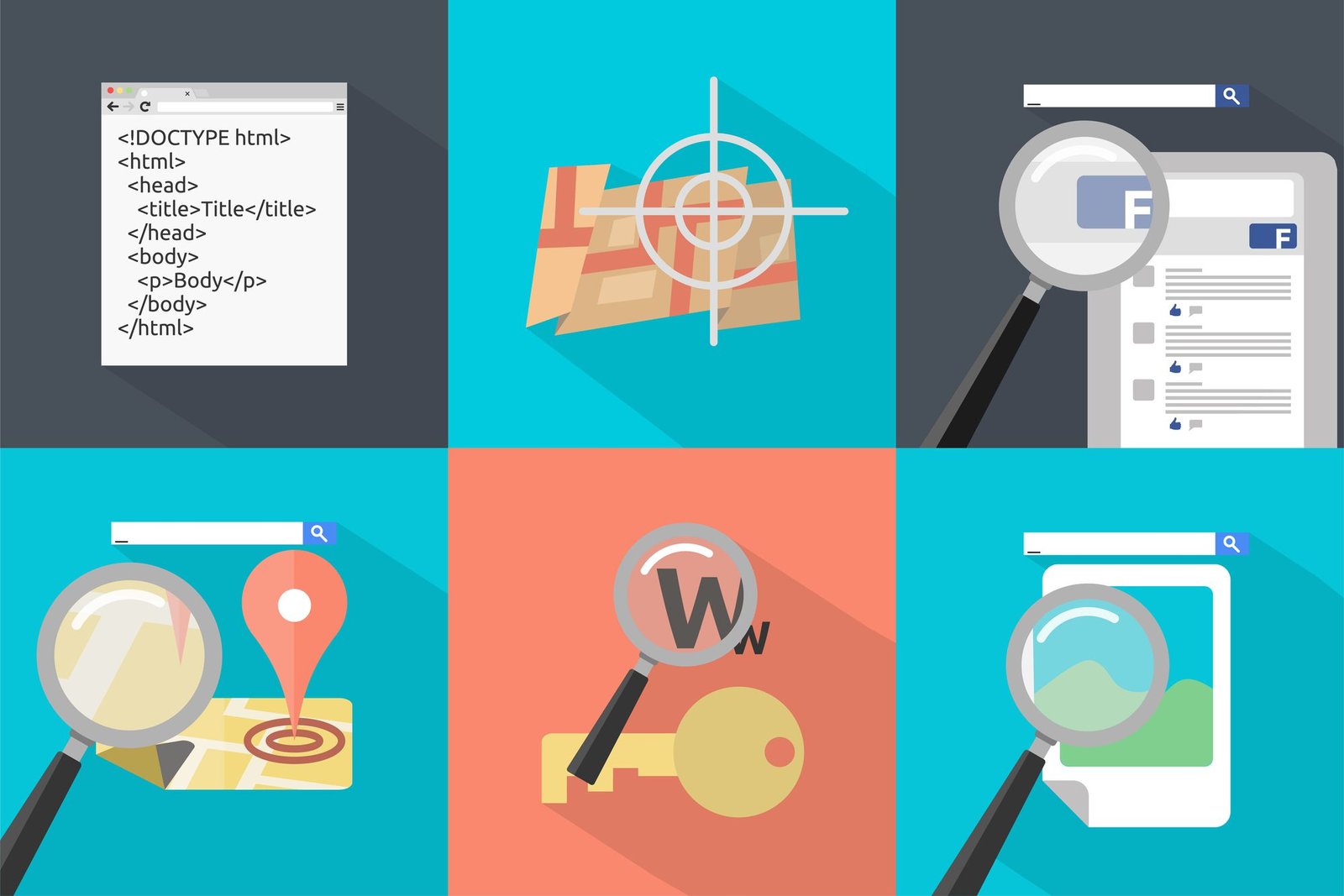
6 animated images showing local-SEO

7. Local SEO

Local SEO matters if you serve a specific physical area — for example a city, region, or local market.

If people can visit you, call you, or hire you locally, local SEO is one of the fastest ways to get traffic.


Google Business Profile

Your Google Business Profile helps Google understand:

  • who you are
  • what you offer
  • where you are


To optimize it, focus on:

  • correct categories
    (choose the service that best describes your business)
  • consistent information
    (same name, address, phone everywhere)
  • regular updates
    (posts, photos, changes when needed)


What this really means:
A complete and active profile builds trust with both Google and users.

💡Tip:
Businesses that regularly add photos and updates often outperform competitors with empty profiles.


Reviews & Local Trust Signals

Reviews:

  • build trust
    (people trust other people)
  • influence rankings
    (Google uses reviews as a quality signal)
  • improve conversions
    (more people choose you)


It’s not just about having reviews — it’s about having real, recent ones.

💡Tip:
Reply to reviews, even short ones. Responses show activity and increase trust.


Local Keywords & Location Pages

To rank locally, target searches like:

  • service + location
    (e.g. “SEO consultant Copenhagen”)
  • area-based searches
    (e.g. “SEO services near me”)


Local pages should:

  • clearly describe the service
  • mention the area naturally
  • provide contact and location details


💡Tip:
Create one strong page per location instead of one generic page trying to rank everywhere.

Bonus Chapter: SEO Marketing Through AI Search

SEO is no longer only about rankings — it’s also about being recommended by AI systems.

AI tools like ChatGPT, Google AI Overviews, and Perplexity increasingly answer questions directly and suggest sources they trust. This is where GEO (Generative Engine Optimization) comes in.

GEO is the practice of optimizing your content so AI can understand it, trust it, and cite it as part of an answer — not just list it as a link.

While traditional SEO focuses on traffic, AI search focuses on intent. Users who click from AI answers are often further along in their decision process, which changes how visibility turns into results.

Early data suggests GEO can outperform traditional SEO in high-intent situations: How much does GEO Increase conversion rate? (What Studies Show)

Tracking & Improving

SEO is not publish-and-wait.
It’s publish → measure → improve → repeat.

This is where many beginners fail — and where long-term SEO winners are created.


The Tools You Use

Use these tools:

Google Search Console (Free)
Shows what Google sees:

  • keywords you appear for
  • pages close to ranking


Google Analytics (Free)
Shows what users do:

  • time on page
  • which content they read


SEMrush (Paid)
Helps you:

  • track rankings
  • see competitors
  • find new opportunities
Audible
  • 30-day free trial
  • Cancel anytime
  • Listen while multitasking
  • Daily use → Knowledge compounds
Try Audible →
This page contains affiliate links. If you purchase through them, we may earn a commission at no extra cost to you.

Audible (Paid)

Helps you improve your SEO:

  • Low monthly cost
  • Listen while multitasking
  • Daily use – Knowledge compounds over time


How to Rank Higher on Google for Free as a Beginner

Ranking higher on Google as a beginner comes down to understanding and applying the system — not tricks or tools.

If you focus on:

  • writing content people are actually searching for

  • structuring your pages clearly so Google can understand them

  • linking your pages together logically

  • keeping your site fast and clean

  • improving what already works instead of chasing new posts


you build trust over time, and Google rewards that trust with visibility.

You don’t need ads, big budgets, or advanced skills.
You need consistency, clarity, and patience.

That’s the system — and once you understand it, ranking becomes predictable.


Bonus (optional but powerful)

Add one sentence at the very end:

Start with one page. Make it the best answer on the internet for that question. Then repeat.

This makes the article feel complete and confident.


SEO FAQ

How to Rank Higher on Google (Quick Answers)

Clear, beginner-friendly answers to the most common SEO questions. No fluff. Just what actually matters.

Is SEO really free?

Yes — SEO can be done 100% for free. You don’t pay for clicks like ads. The real cost is time and consistency. If you write helpful content, structure your site correctly, and improve over time, Google can send traffic without ongoing costs.

How long does it take to rank?

Most sites see early signals in a few weeks and real movement within 2–4 months. Strong results usually compound over 6–12 months. SEO rewards patience, not speed.

Can a new website rank on Google?

Yes. New websites can rank quickly if they target specific questions, match search intent, and create clear, helpful content. Start narrow, earn trust, then expand.

Do I need tools?

Tools are not required — but they help you move faster and avoid mistakes. Two essential free tools are Google Search Console and Google Analytics.

For keyword research, we strongly recommend:
Mangools (best beginner-friendly & affordable tool)
Semrush (advanced tool for deeper analysis and competitors)